
Troubleshooting Ethernet on PLCs
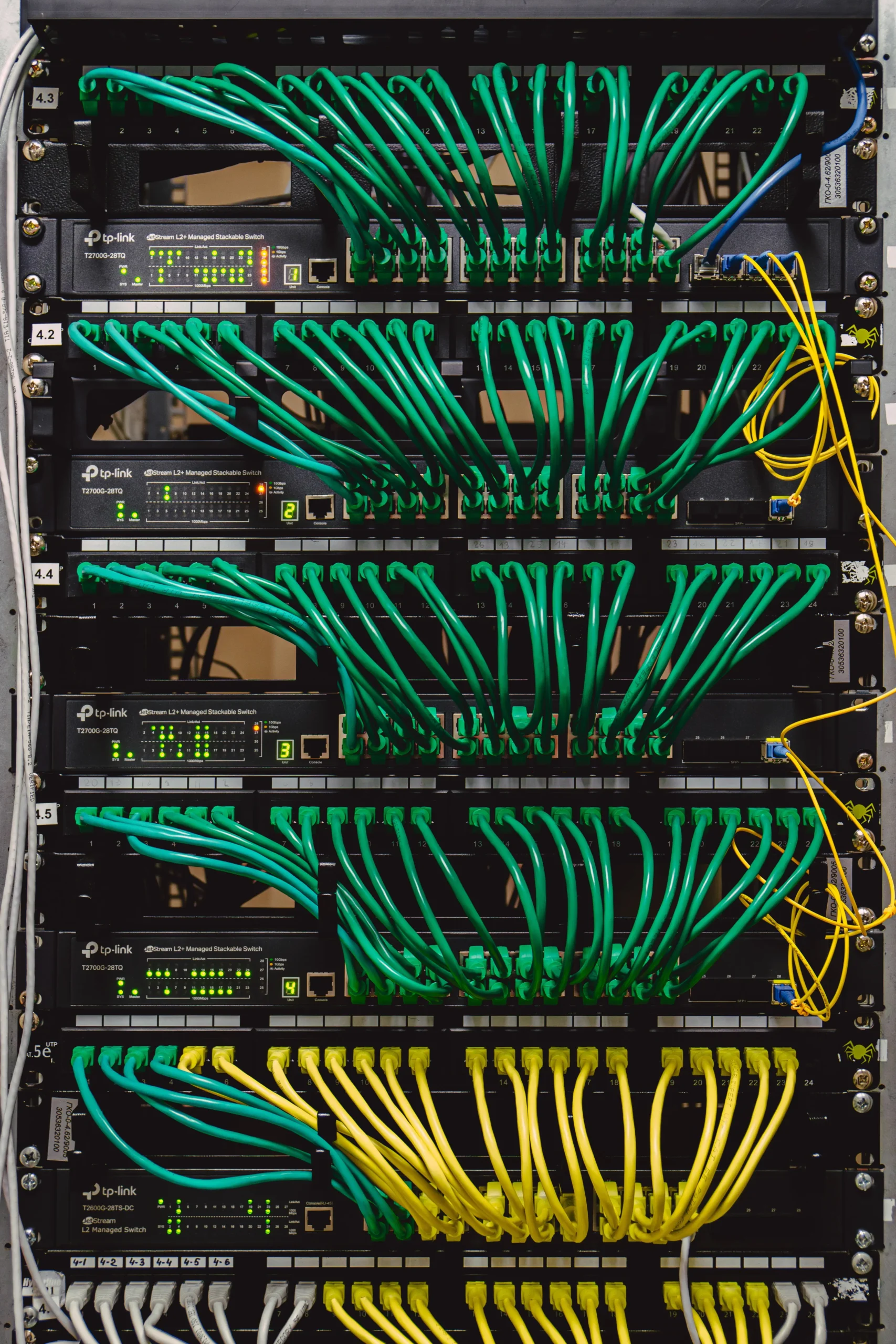
Some applications require a PLC to communicate with different modules or devices via Ethernet.
This makes it easier to transfer data or send commands to different machines/devices.
Due to a lack of maintenance or incorrect configuration, Ethernet connections can fail. You’d need to troubleshoot at the correct source to figure out how to resolve the specific issue. Always identify what the issue is before attempting to solve it; you can’t solve a problem you haven’t defined.
Process of Elimination
The best course of action is to systematically check where the issue is:
- Check Ethernet Interface: Check the physical lights on the Ethernet interface. If no lights appear, the interface could be faulty.
- Check Ethernet Cable: Take a known working device and see if the cable works in another device.
- Check PLC Communication: Check if the PLC can communicate with another device, and attempt to ping the device.
Check Ethernet Interface
Ethernet interfaces have built-in LEDs to indicate link status and network activity. If no lights appear on the physical interface, you could potentially have a network issue stemming from broken Ethernet cabling, powered-down devices, broken Ethernet interfaces, or in some cases, incorrect network configuration.
Look for physical damage on the board. Is there any burnt residue near or on the port? If not, move on; it could mean other factors.
If physical damage is present, you can either replace the communication module or attempt a repair by physically desoldering and resoldering a replacement Ethernet port to the PCB. In the case of a PLC Ethernet interface, it is possible to repair, but no guarantees can be made that it will work due to manufacturer-specific hardware and firmware implementations on the PLC. You will be repairing at your own risk.
After replacing or fixing the Ethernet interface on either the I/O or the PLC, or both, reconnect the system and see if the system is operational again.
Check Ethernet Cable
Ethernet cables can break over time due to excessive bending of the cabling, mishandling of equipment, or potential machine breakdowns.
Replace with appropriately rated Ethernet cabling if the cabling has been damaged. Reconnect the cabling to the relevant interfaces and see if communication is restored. If not, you could have a misconfiguration issue.
Check PLC Communication
For the PLC and the I/O device to be able to communicate over Ethernet, a physical connection through an Ethernet cable has to be made. Both of these devices then get assigned an IP address.
Both devices have to have an IP address on the same network to communicate with each other. On already commissioned PLC installations, there should be an IP address for the PLC near the installation inside a cabinet. You can connect a laptop and simply attempt to ping that IP address. If that does come through, then you know the cabling and the PLC’s IP configuration are correct. If not, the PLC could be incorrectly set up.
This goes for the I/O device too; attempt to ping the I/O device with a laptop Ethernet connection. If a ping does come through, communication is established. If not, the I/O device could be misconfigured.
Also verify that subnet masks are configured correctly and that no duplicate IP addresses exist on the network.
Finally, connect both the PLC and the I/O device and see if communication is restored. If communication is restored, the issue has likely been resolved. Otherwise, IP configuration could still be a problem. Go over both IP configurations and try again.
Summary
Essentially, check the Ethernet cable, check if the PLC can communicate with another device, and check the physical interfaces on both the PLC and I/O. You should be able to go from there and replace the cabling or interface if you know how to solder.
If any of the mentioned equipment, Ethernet cabling, and interfaces still have a warranty, it is advisable to use them. Do not attempt to repair equipment under warranty, as you have a chance to void the warranty.